
Imagine locking your front door but leaving your windows wide open. That’s what relying on default Endpoint Protection Platform (EPP) policies is like. They provide basic protection, but they don’t account for the unique threats your business faces. Cybercriminals are constantly evolving, and a one-size-fits-all security approach just doesn’t cut it anymore.
The solution? Custom EPP policies that are tailored to your organization’s specific risks, workflows, and compliance requirements. Let’s break down why this is essential and how you can build an ironclad cybersecurity framework that doesn’t compromise productivity.
What Are Endpoint Protection Policies?
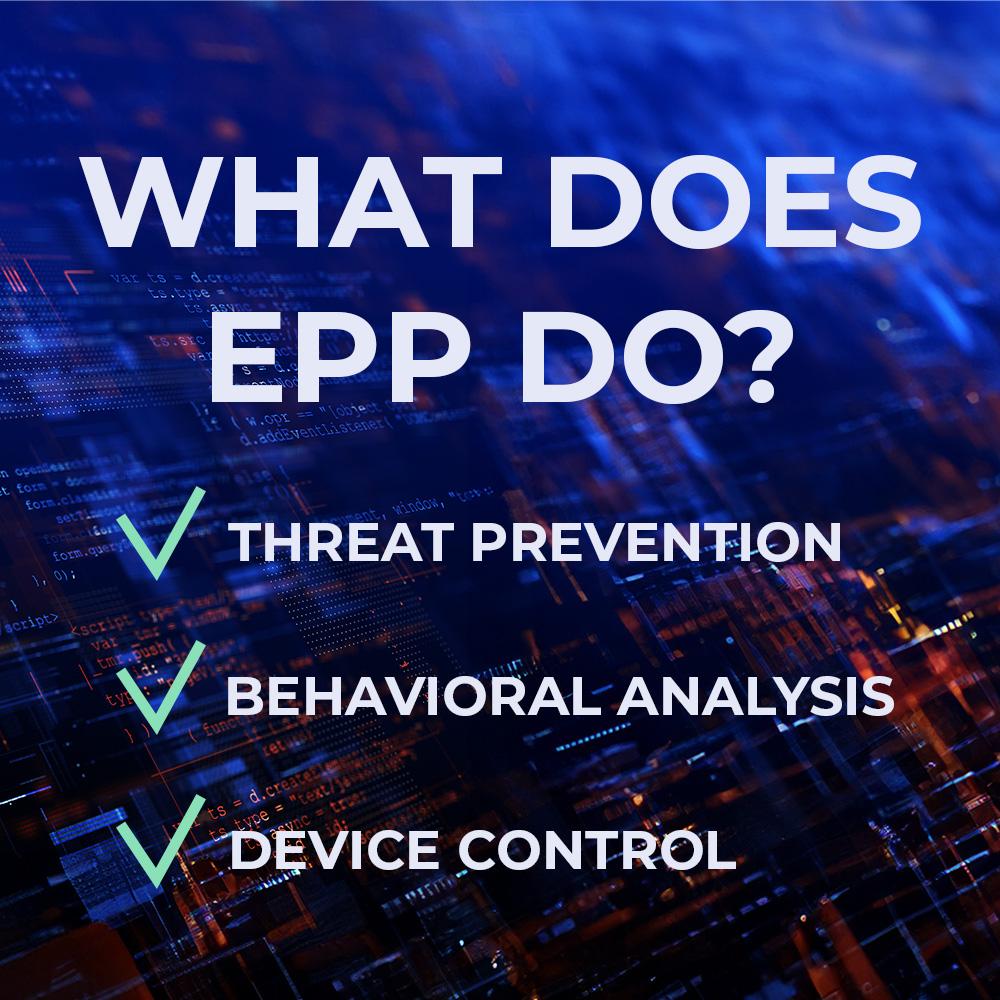
EPP policies dictate how cybersecurity tools defend your endpoints—laptops, desktops, servers, and mobile devices—from malware, ransomware, phishing, and other digital threats. Unlike traditional antivirus software, EPP provides a proactive approach with features like:
- Behavior-based threat detection
- Application whitelisting & blacklisting
- Access control & user privilege management
- Patch management & software updates
- Automated incident response & remediation
With cyberattacks growing in sophistication, businesses need more than default settings. They need customized EPP policies that align with their operations.
Why Customize Your EPP Policies?
The reality is, every organization has different security needs. A healthcare provider must protect patient data and comply with HIPAA, while a financial firm focuses on securing transactions and preventing fraud. Default policies don’t take these nuances into account.
Top Benefits of Custom EPP Policies:
✅ Stronger Security Posture: Reduce vulnerabilities by configuring policies based on your actual risk factors.
✅ Compliance Assurance: Meet industry regulations like GDPR, PCI-DSS, and HIPAA effortlessly.
✅ Fewer False Positives: Optimize detection settings to minimize unnecessary disruptions to workflow.
✅ Better Performance: Avoid unnecessary scans and processes that slow down devices.
✅ Enhanced Incident Response: Set up automated actions to contain threats instantly.
Key Components of a Custom EPP Policy
Let’s dive into the most crucial elements that make up a strong custom EPP policy.
Access Control & Privilege Management
The principle of least privilege is your best friend. Only give users access to the data and applications they need—no more, no less.
🔹 Implement Role-Based Access Control (RBAC): Assign permissions based on job roles.
🔹 Block Unauthorized Software Execution: Prevent employees from installing unapproved applications.
🔹 Use Multi-Factor Authentication (MFA): Add an extra layer of security to critical access points.
Application Whitelisting & Blacklisting
🔹 Whitelisting: Approve only trusted applications to run on endpoints.
🔹 Blacklisting: Block known malicious or unnecessary software that poses a security risk.
Advanced Threat Detection & Response
Configure real-time monitoring to detect suspicious activity before it causes damage.
🔹 Behavioral Analysis: Identify malware based on actions, not just known signatures.
🔹 Automated Quarantine: Immediately isolate compromised files or endpoints.
🔹 Custom Alerting: Ensure security teams receive notifications for critical incidents.
Patch Management & Software Updates
Cybercriminals exploit outdated software. Automate updates to ensure security patches are applied promptly.
🔹 Schedule Regular Patching: Avoid downtime while keeping systems secure.
🔹 Enable Automatic Updates: Reduce human error by enforcing updates across all endpoints.
Web & Network Filtering
Block access to high-risk sites and enforce Zero-Trust policies to prevent unauthorized network access.
🔹 Restrict Risky Websites: Prevent phishing attempts and malware downloads.
🔹 Network Segmentation: Separate critical systems from less-secure networks.
Incident Response & Automated Actions
Set up policies that trigger automatic responses to security threats.
🔹 Isolate Compromised Devices: Prevent lateral movement of malware.
🔹 Automatic Data Backup: Ensure rapid recovery in case of ransomware attacks.
🔹 Real-Time Logging: Maintain an audit trail for compliance and forensic analysis.
Best Practices for Implementing Custom EPP Policies
🚀 Conduct a Security Risk Assessment – Identify vulnerabilities before setting policies.
🚀 Involve Stakeholders – IT, security, and management teams should collaborate.
🚀 Test Before Full Deployment – Run pilot programs to refine policies.
🚀 Regularly Update Policies – Cyber threats evolve, and so should your policies.
🚀 Train Employees – The best security policies fail if employees don’t follow them.
Common Challenges & How to Overcome Them
🔴 Balancing Security with Productivity – Customize policies to minimize disruptions while maximizing protection.
🔴 Managing Policy Updates – Automate updates and conduct regular audits.
🔴 Reducing False Positives – Fine-tune detection thresholds to prevent unnecessary alarms.
🔴 Ensuring Compatibility – Test new policies across different devices and software platforms.
Custom EPP Policies for Specific Industries
Different industries require tailored security strategies. Here’s how:
🏥 Healthcare – Protect patient records and comply with HIPAA regulations.
🏦 Finance – Secure transactions and prevent fraudulent activities.
🛒 Retail & eCommerce – Block POS malware and protect customer payment data.
🌎 Remote Work Environments – Implement strong security policies for BYOD (Bring Your Own Device) setups.
Future Trends in Custom EPP Policies
🔮 AI-Driven Security – Machine learning is enhancing threat detection.
🔮 Zero-Trust Architecture – Verifying every access attempt, no matter the user.
🔮 Cloud-Based EPP Solutions – More businesses are shifting to flexible, scalable cloud security.
🔮 Enhanced Threat Intelligence Integration – Leveraging real-time data to stay ahead of cybercriminals.
Final Thoughts: Don’t Wait Until It’s Too Late
Cyber threats are evolving at an alarming rate, and a generic approach to security won’t protect you. By customizing your EPP policies, you’re not just reducing risks—you’re safeguarding your business’s future.
Now’s the time to assess your endpoint protection strategy. Are your policies optimized for today’s threats? If not, start building your custom EPP framework today and take control of your cybersecurity defenses.
Cybersecurity for Business
Your business faces constantly evolving cyber threats that can jeopardize sensitive data, disrupt operations, and damage your reputation. Our cybersecurity for business solutions are tailored to meet the unique challenges of companies of all sizes, providing robust protection against malware, phishing, ransomware, and more.
Whether you’re a small startup or a large enterprise, we offer multi-license cybersecurity packages that ensure seamless protection for your entire team, across all devices. With advanced features like real-time threat monitoring, endpoint security, and secure data encryption, you can focus on growing your business while we handle your digital security needs.
Get a Free Quote Today! Safeguard your business with affordable and scalable solutions. Contact us now to request a free quote for multi-license cybersecurity packages designed to keep your company safe and compliant. Don’t wait—protect your business before threats strike!